Support systems: New Nintendo 2DS XL, New Nintendo 3DS, New Nintendo 3DS XL, Nintendo 2DS, Nintendo 3DS, Nintendo 3DS XL
Getting started
- Make sure that your router is connected to the Internet.
- Take note of your wireless network name (SSID) and password.
Setup the Connection
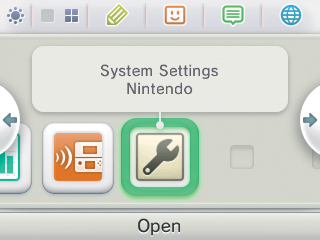
1. In the HOME Menu, select “Settings”
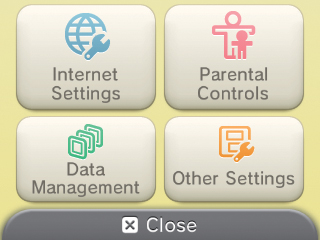
2. Select “Internet Settings” option
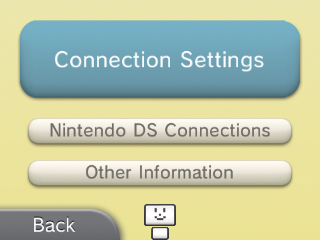
3. Select “Connection Settings”
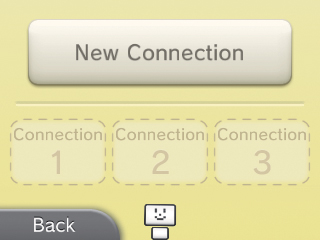
4. Select “New Connection”
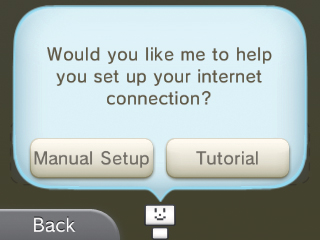
5. When the following prompt appears, select the “Manual Setup” option.
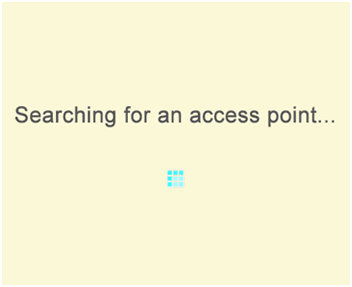
6. Select “Search for Access Point”, wait a bit and a list of available access points will appear
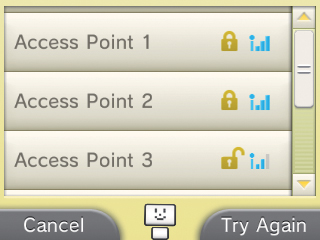
7. Find yours in the list and select it
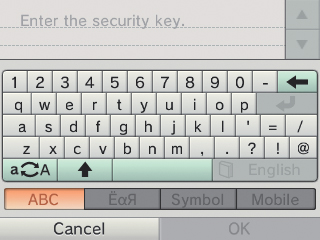
8. Enter the security key using the on-screen keyboard
9. Select OK on the next two (2) prompts to save your wireless settings and test your connection
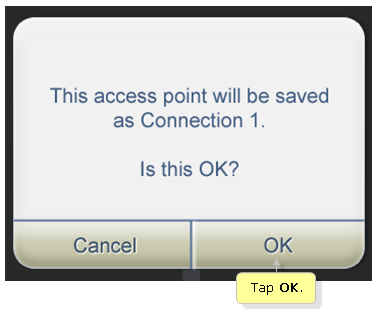
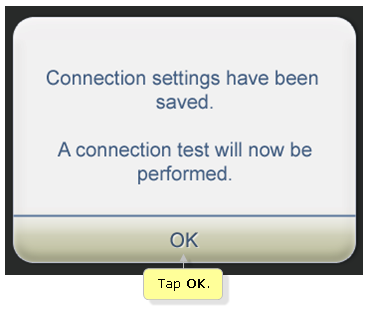
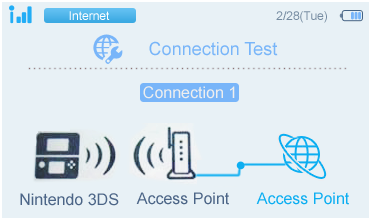
10. Select OK on the Connection Test successful prompt
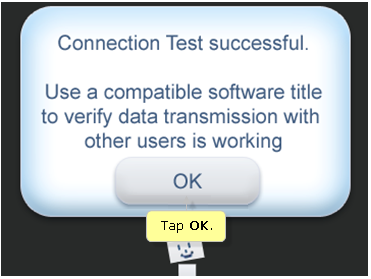
Your Nintendo 3DS is now be connected to the Internet. Have fun playing game online!